
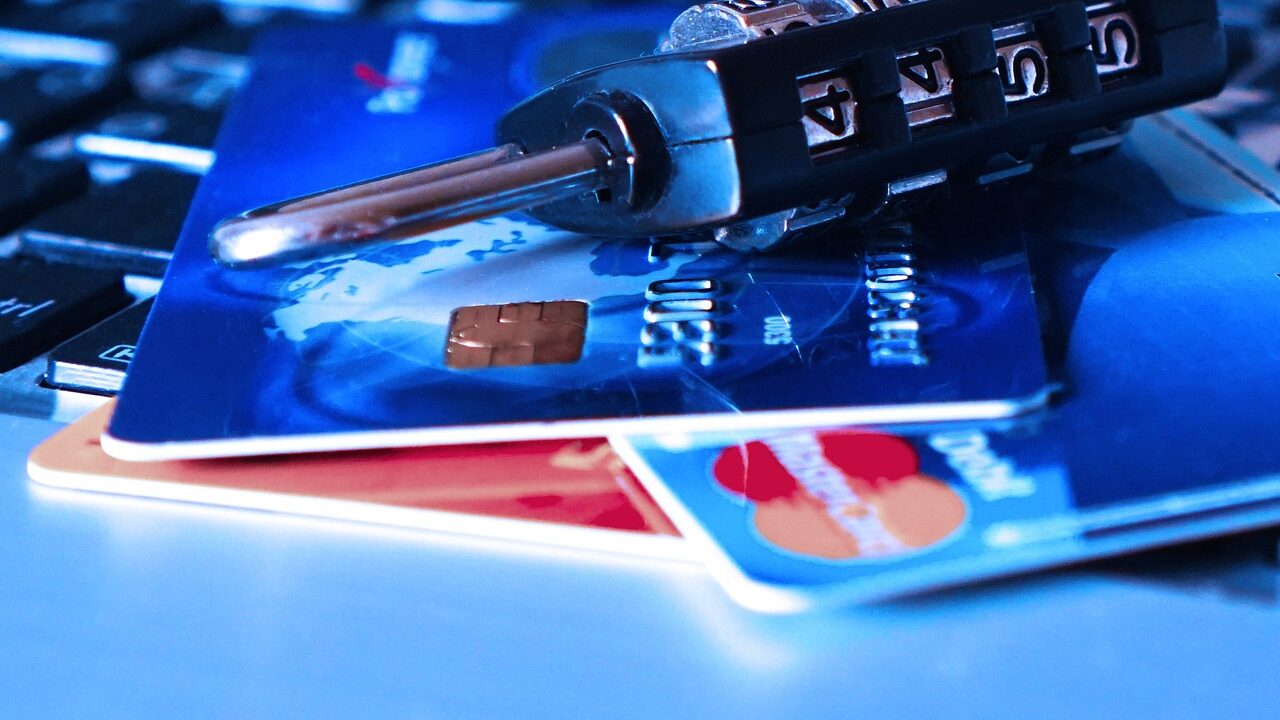
Financial security is not just about earning more; it is also about preventing avoidable losses. These eight digital habits reduce common risks, from account takeover to misleading payment requests. The best protection combines technology with a pause before acting.
8. Secure Your Email Account First
Your email can be the gateway to resetting many other passwords. Use a unique password and multi-factor authentication, review logged-in devices and recovery details, and remove access you no longer recognise.

7. Separate Everyday Spending from Emergency Savings
Where suitable, keeping emergency savings separate from the account used for everyday spending can reduce accidental use and make balances easier to understand. Check access conditions and deposit protection before choosing an account.

6. Check Website Addresses Carefully
Scam sites can imitate familiar brands with small changes to a web address. Use saved bookmarks or type the address yourself when accessing financial services, and do not assume a padlock proves a site is honest.

5. Keep Devices and Apps Updated
Security updates fix weaknesses that criminals may exploit. Turn on automatic updates where practical, remove apps you no longer use and download financial apps only from official app stores or provider websites.

4. Turn On Transaction Alerts
Notifications for card payments, transfers and changes to account settings can help you react quickly to activity you do not recognise. Check alerts through the official app rather than following links in unexpected messages.

3. Use Unique Passwords
If one website is breached, a reused password can put other accounts at risk. A password manager makes unique, long passwords easier to maintain; never share your master password or recovery codes.

2. Use Multi-Factor Authentication
Enable an extra sign-in step on email, banking and shopping accounts. Your email account deserves particular attention because password-reset links for other services often arrive there.

1. Pause Before Sending Money
Treat urgent requests to transfer money, pay a fee or move funds to a ‘safe account’ as a warning sign. Contact the organisation or person using a number you already trust, not contact details supplied in the message.

The most valuable security habit is to slow down when a message creates panic or pressure. Strong authentication and unique passwords matter, but a moment of independent verification can stop a convincing scam from becoming an expensive mistake.